
Come App login, without the retries
One mobile number and one SMS code sign you in. What to do when the code hides, the device changes or the number itself changed.
Steps
Login, start to finish
- 1
Open the app and tap Login/Register
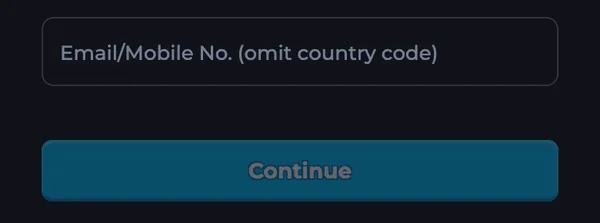
The form asks only for a mobile number.
- 2
Type the number without +91
Come serves Indian numbers; the prefix is already set.
- 3
Enter the SMS code
Codes arrive within seconds on most carriers. One tap signs you in.
Note. No password exists by default, so there is nothing to forget; the SMS code is the login.
Fixes
When login misbehaves
How do I log in to Come App the first time?
Tap Login/Register, type your mobile number without the +91 prefix, tap Continue and enter the verification code from the SMS. A number with no account gets one automatically.
The verification code never arrives. What helps?
Check the number for typos, wait a minute, then request a new code. DND lists and full SMS inboxes block delivery; so does a phone set to block unknown senders. A restart clears most stuck SMS apps.
Can I log in on two phones at once?
The account lives wherever you last verified; logging in on a second phone signs the first one out. Your balance and history follow the account, not the device.
I changed my mobile number. How do I keep the account?
Contact Customer Service inside the app from the old session if it still works, or write to support@comevip.com from the email you used in the app, with your player ID. Support moves the account after identity checks.
Browser login and app login: same account?
Yes. The web lobby and the APK share accounts, so a team built in Chrome is there when you open the app.
Get Come App V1.14 on your phone
One 3.19 MB file for Android 7.0 and newer. On iPhone and iPad the download page opens the browser version instead.

Scan with your Android camera to download Come.apk on your phone.