
Download Come App for Android latest version, 3.19 MB
Direct Come.apk download with the full file fingerprint, each Android prompt explained, and what to do when the install stalls.
Install
Four steps on any Android phone
The whole flow, including the Android prompts you will see.
- 1
Download Come.apk
Tap the button above. The 3.19 MB file saves to your Downloads folder in a few seconds on 4G.
- 2
Allow the install
Open the file. The first time, Android sends you to a switch called Install unknown apps for your browser. Turn it on and tap back.
- 3
Install
Tap Install and wait a few seconds, then Open. The notifications request that may follow is optional.
- 4
Log in or register
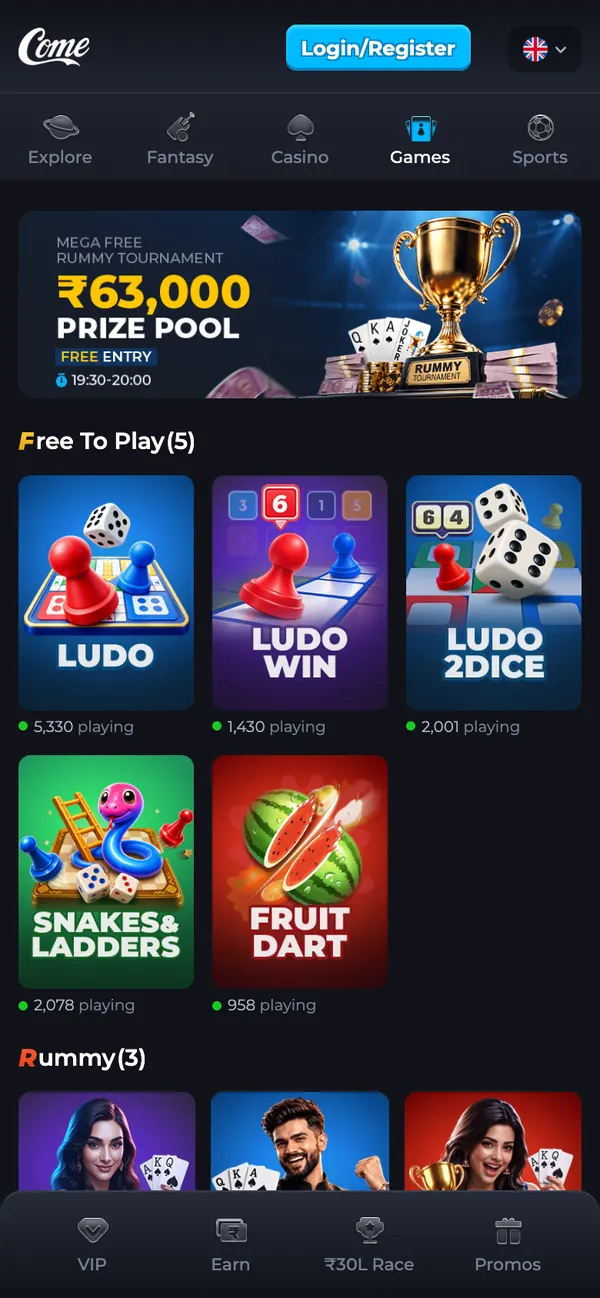
Tap Login/Register, enter your mobile number without +91 and type the verification code. A new number gets an account automatically.
The file
What you are installing
Compare this table with the file on your phone. Size and SHA-256 are the quickest checks: long-press the download in Chrome or use a file manager to see the byte count, and any hash tool to verify the fingerprint.
| App name | Come |
|---|---|
| File | Come.apk |
| Version | 1.14 (build 498080) |
| Size | 3.19 MB (3,341,020 bytes) |
| Works on | Android 7.0 or newer |
| Built for | Android 16 (API level 36) |
| Package name | com.edch.ykx |
| Permissions | Internet and network state, notifications, in-app updates, background tasks, Google advertising ID and install referrer. No SMS, contacts, location, camera or microphone. |
| Signature | APK signature schemes v2 and v3 |
| Price | Free |
| SHA-256 | aa41f6e36fb1bcba71b1ec18a384982746d678f88a93d9fe3831445441c50ef9 |

Scan with your Android camera to download Come.apk on your phone.
Permissions
Every permission in the APK
| Permission | What it is for |
|---|---|
| Internet and network state | Loads games and keeps your session alive. |
| Notifications (optional) | Contest reminders and deposit updates; works fine if you decline. |
| Install packages | Lets the app update itself when Come ships a new build. |
| Foreground service | Keeps a download or live round alive while you switch apps. |
| Google advertising ID, install referrer | Standard Google Play Services identifiers. |
Note. Come.apk requests no SMS, contact, location, camera or microphone access. The package also declares one internal permission that only the app itself can use; Android adds it for apps built with current tooling.
FAQ
Download and install questions
Why does Chrome warn me about the APK?
Chrome shows that message for every APK that comes from outside the Play Store, whoever made it. Keep the download, then compare the file's SHA-256 with the one printed on this page before you install.
Where is the APK after downloading?
In your Downloads folder. Pull down the notification shade and tap the finished download, or open Files → Downloads → Come.apk.
What does “Install unknown apps” mean?
Android asks you to allow installs from the app that delivered the file, usually Chrome. The switch appears the first time; installs you start stay your decision. You can turn it off again afterwards in Settings → Apps.
Do I need to uninstall an older Come version first?
No. Installing V1.14 over an older version keeps your login. In-app updates also arrive on their own because the app can fetch its own newer file.
How do I update Come App later?
The app updates itself when a new build ships; that is what the REQUEST_INSTALL_PACKAGES permission is for. You can also come back here, download the newer file and install it over the old one.
Get Come App V1.14 on your phone
One 3.19 MB file for Android 7.0 and newer. On iPhone and iPad the download page opens the browser version instead.
Scan with your Android camera to download Come.apk on your phone.